
Signin With Sso
Sign in with Single Sign-On
Learn how to sign in to KREDO using Single Sign-On (SSO).
If your organization has enabled Single Sign-On (SSO), you can access KREDO using your organization's SSO configuration.
Sign in with SSO
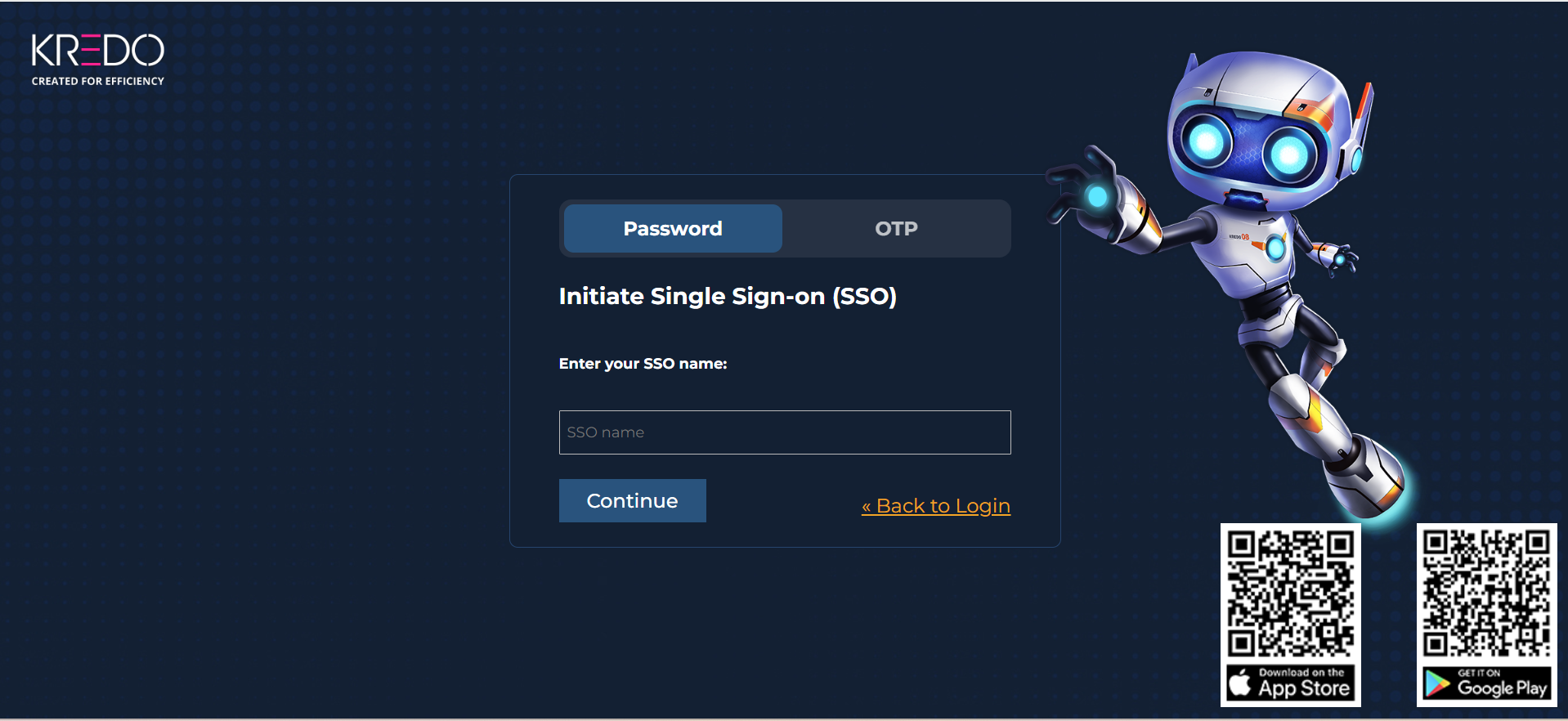
There are two possible SSO login scenarios.
Standard KREDO URL
If your organization uses the standard KREDO login URL:
- Open the KREDO login page.
- Enter the SSO name provided by your IT or KREDO implementation team.
- Follow the instructions displayed on the screen.
Custom URL
If your organization has configured a custom login URL:
- Open your organization's KREDO login URL.
- Select Single Sign-On.
- Enter your SSO details.
- Click Continue.
- Complete the authentication process.
💡 Tip
Contact your IT Team or KREDO Development Team if you need help accessing KREDO using SSO.
💡 Note
Single Sign-On must be configured for your organization before you can use this login method.