Courses
Edit a Course
Learn how to edit course information and update course content in KREDO.
Admins can edit an existing course to update its information, settings, and content.
Edit a Course
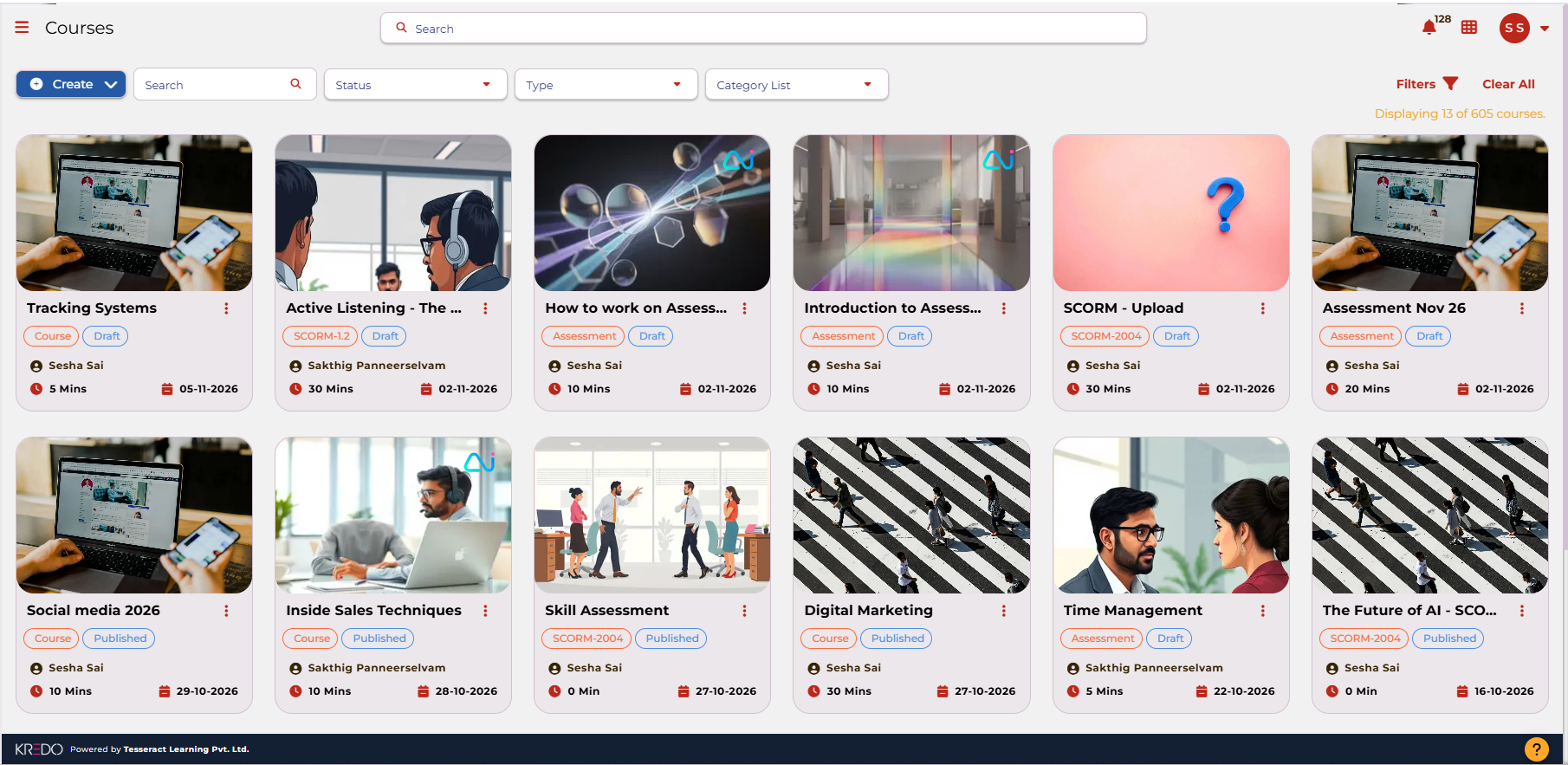
- From the Admin Dashboard, select Courses from the left navigation panel.
- On the Courses page, select the relevant course thumbnail.
The Course Settings page opens.
- Review or update the course settings as required.
If no changes are required in the course settings, select Update to continue.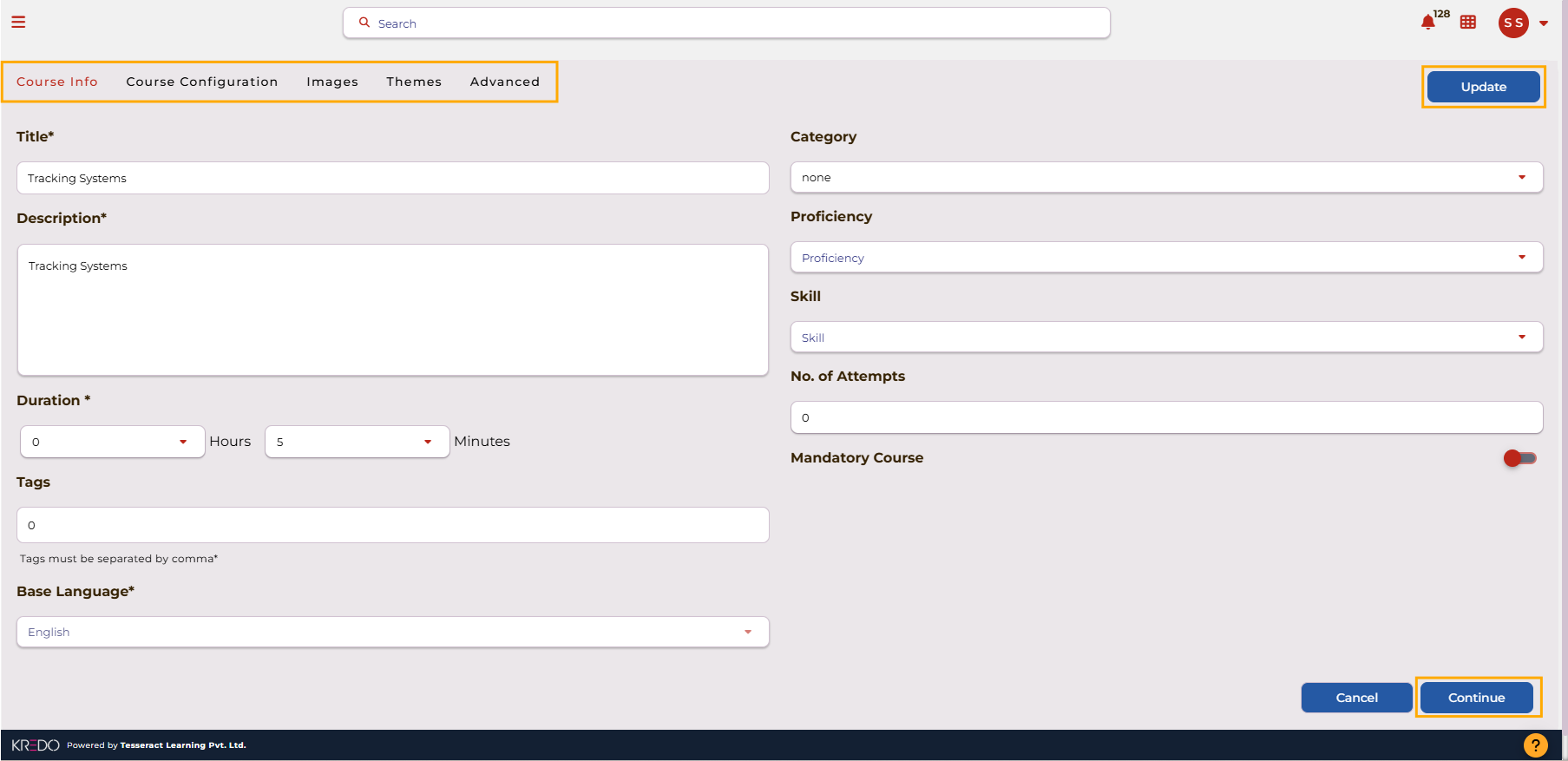
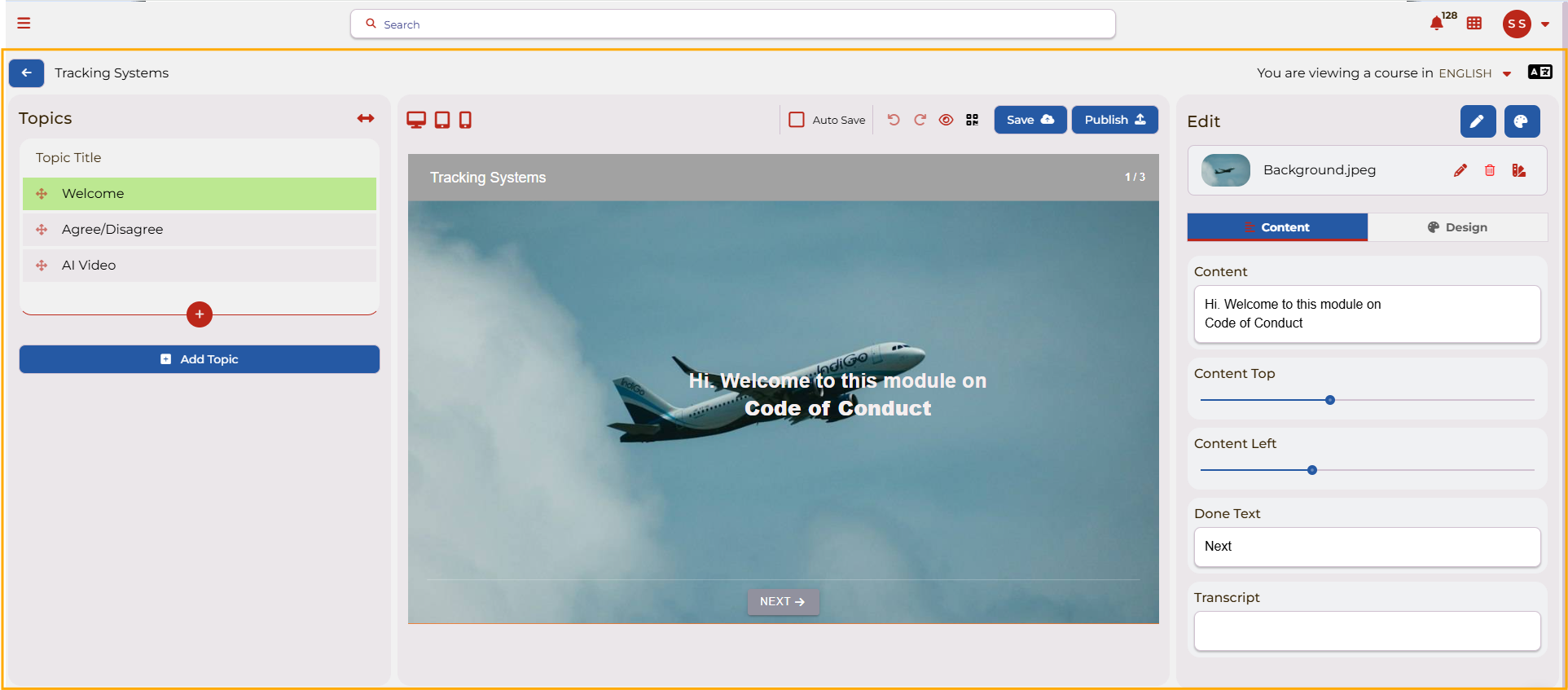
- The Course Authoring page opens.
- Make the required changes to the course content.
You can update the course structure, content, theme, audio, background, and other available authoring options.