
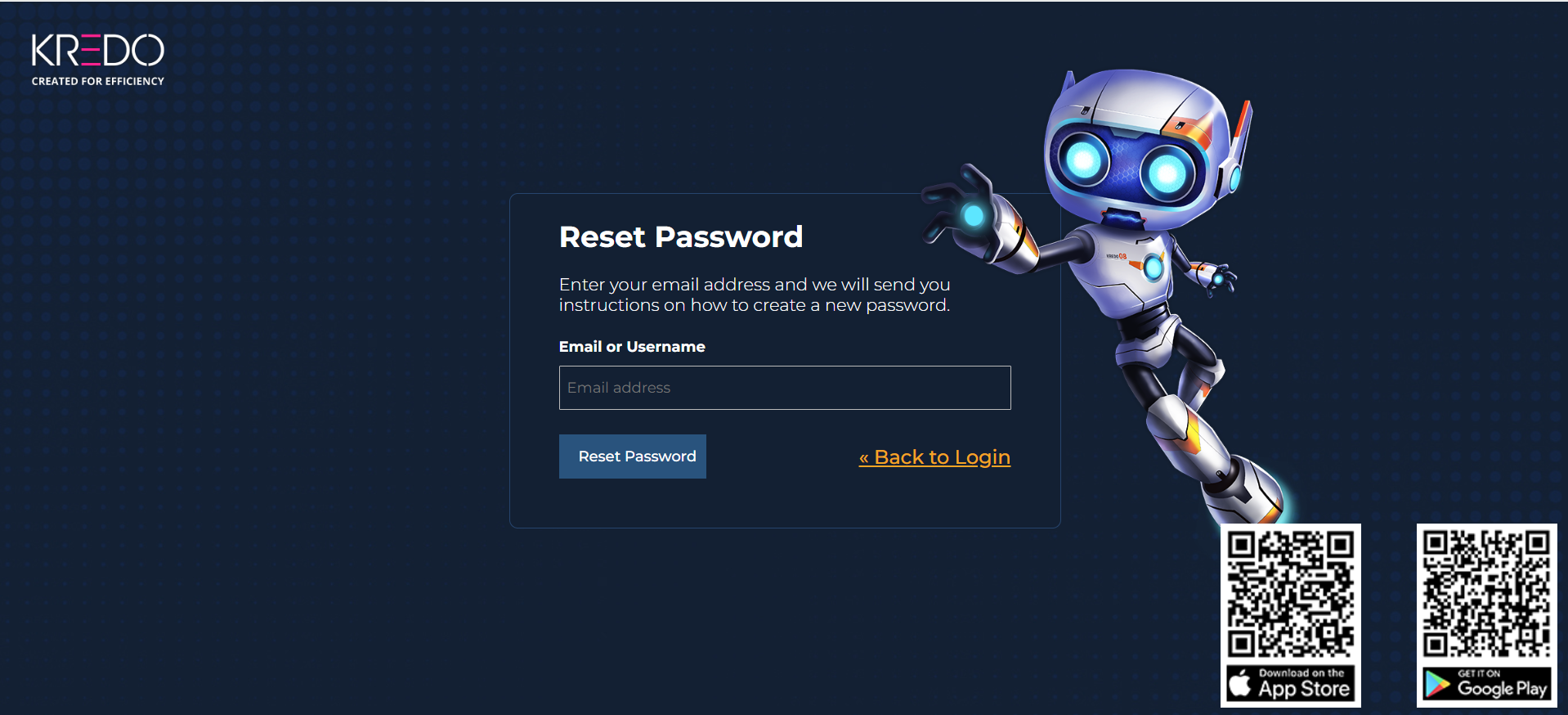
Reset Password
Reset your password
Learn how to reset your KREDO password if you forget it.
If you forgot your KREDO password, you can reset it from the KREDO login page.
Reset your password
Follow these steps to reset your password:
- On the KREDO login page, select Forgot Password?
- Enter your registered email address or username.
- Follow the instructions sent to your registered email address.
- Create a new password.
- Return to the KREDO login page and sign in with your new password.
💡 Tip
If you do not receive the password-reset email, check your Spam or Junk folder.
Need help?
If you are unable to reset your password, contact your organization's KREDO administrator or learning support team.