
Log Into Kredo
Log in to KREDO
Learn how to log in to KREDO using your organization-provided credentials.
Access KREDO using the login credentials provided by your organization.
Sign in with your credentials
Once your Super Admin creates your KREDO account, you will receive an email containing your login details.
To log in:
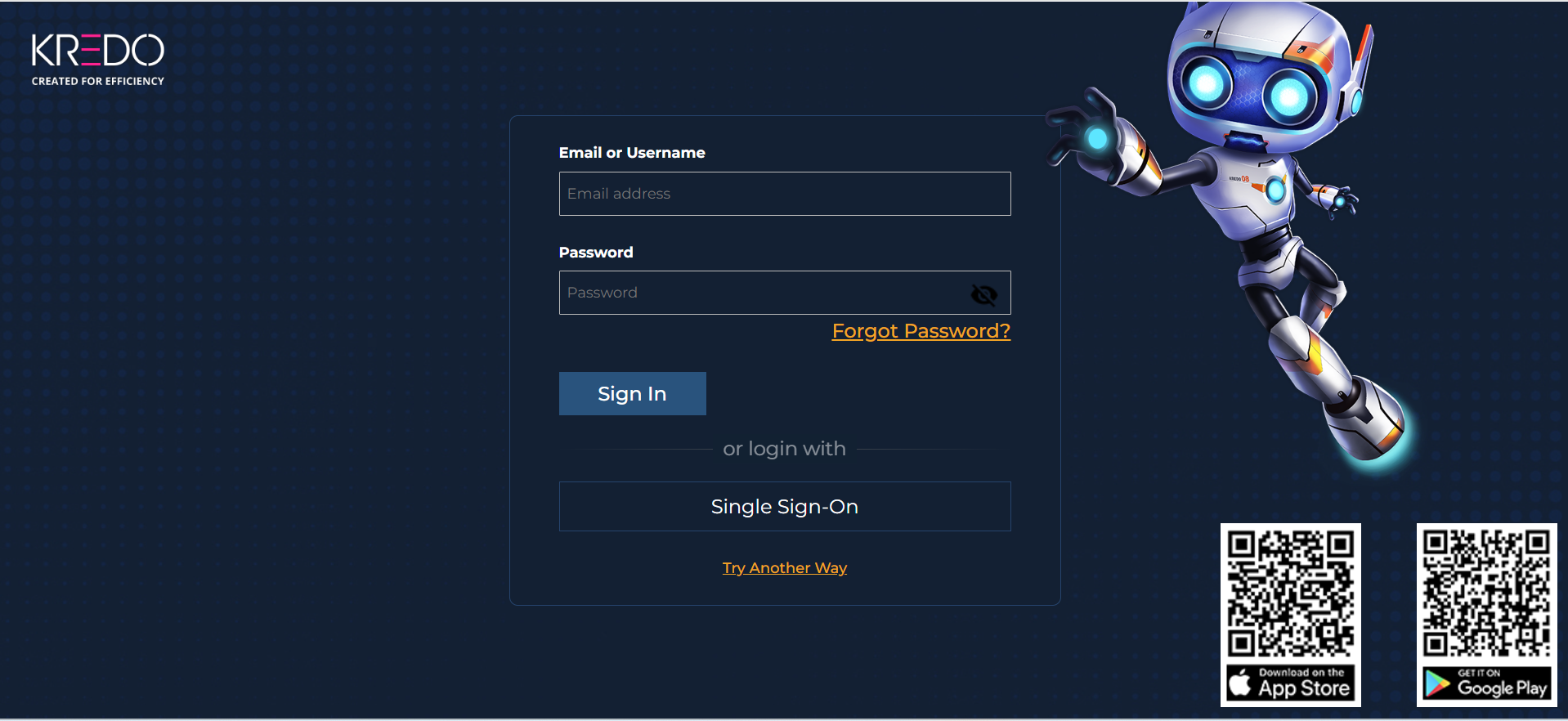
- Open the KREDO login page.
- Enter your Email Address or Username.
- Enter your Password.
- Click Sign In.
Sign in using OTP
You can also access KREDO using a One-Time Password (OTP).
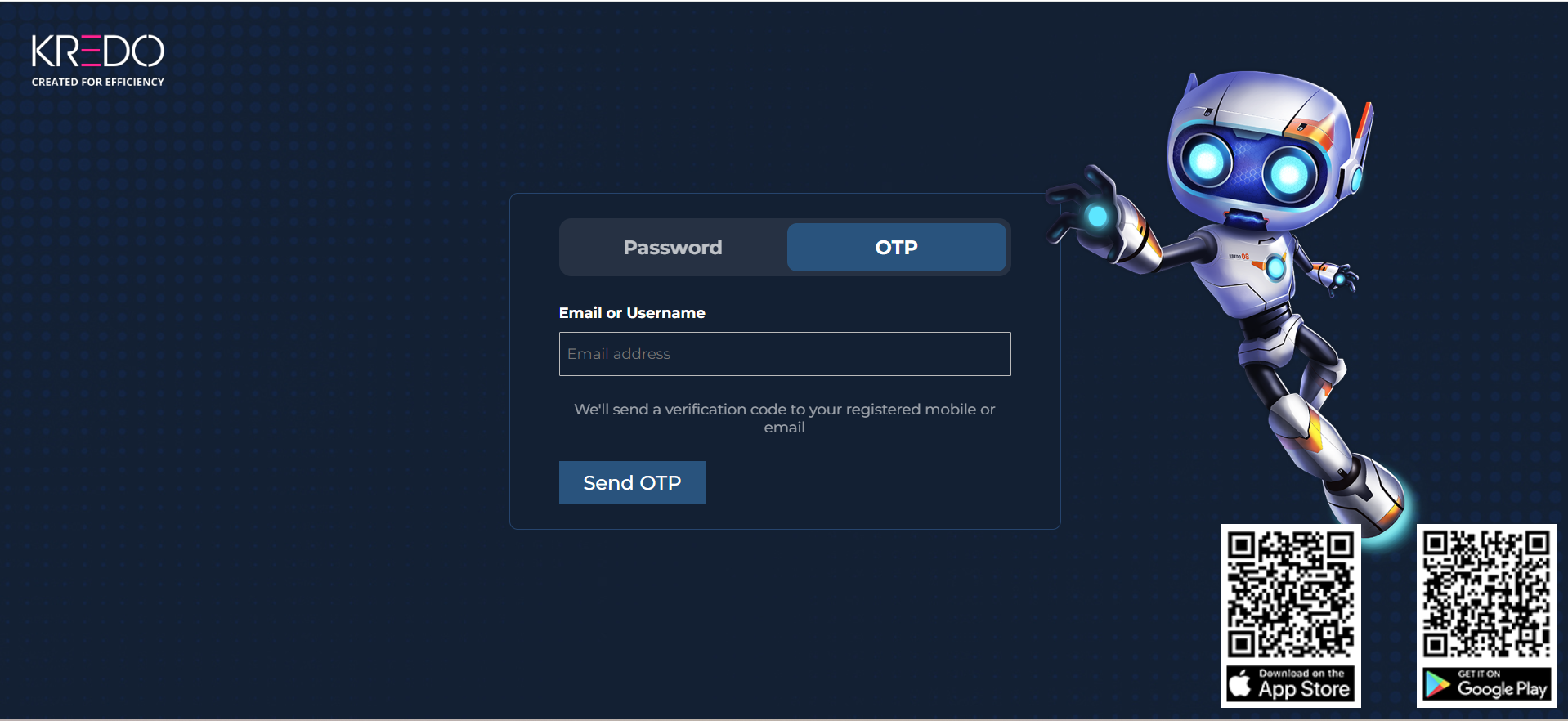
- Select the OTP option on the login page.
- Enter your registered Email or Username.
- A verification code will be sent to your registered mobile number or email address.
- Enter the verification code to complete the sign-in process.
Ensure that you have access to your registered mobile number or email address to receive the verification code.
Change your password
After signing in, you can change your password from your Profile section.
If you have forgotten your password, see Reset your password.
Use the credentials provided by your organization to access KREDO.